Getting started with Teradata Trial
Overview
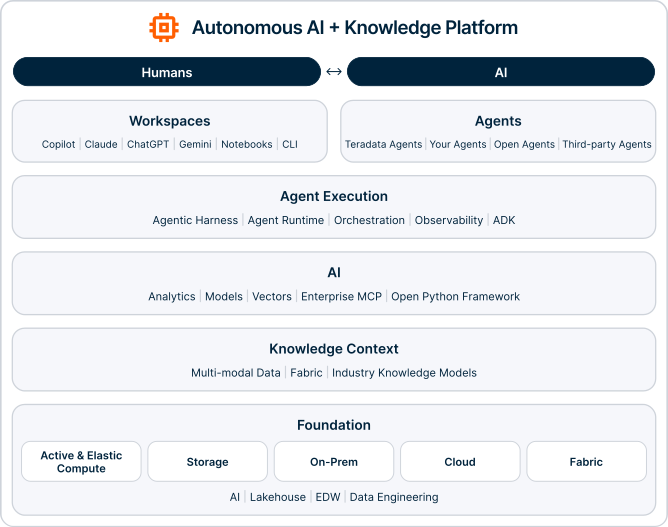
Teradata Trial is a free, non-production environment that gives you hands-on access to the Teradata Autonomous Knowledge Platform, including the advanced analytics capabilities built into Teradata Database. Use it to explore demos, run queries, and experience how Teradata activates enterprise intelligence across a wide range of industries and use cases.
In this guide, we walk through the steps for creating an environment in Teradata Trial and accessing the included demos.
Create a Teradata Trial account
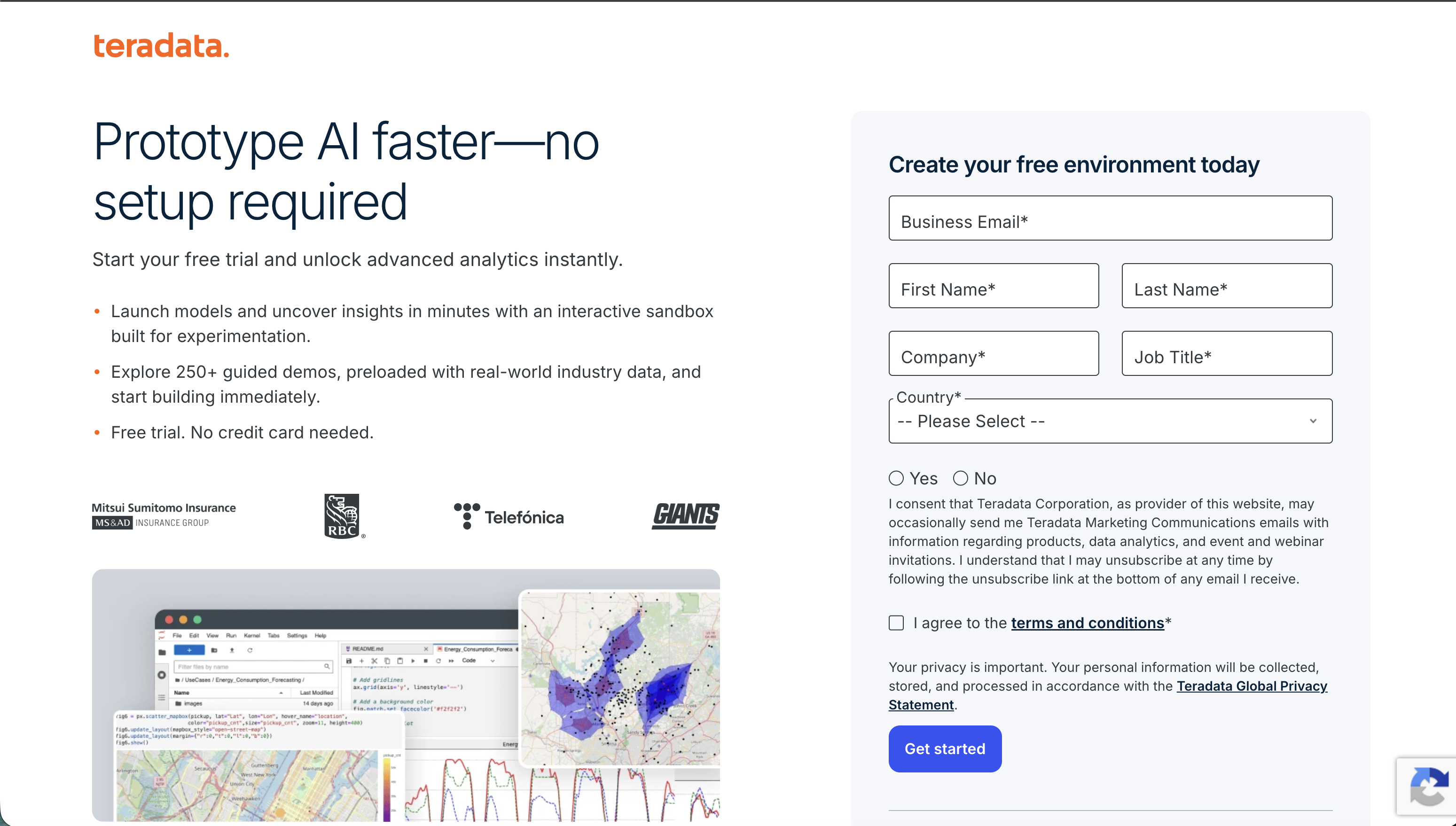
Head over to Teradata Trial and create a free account.
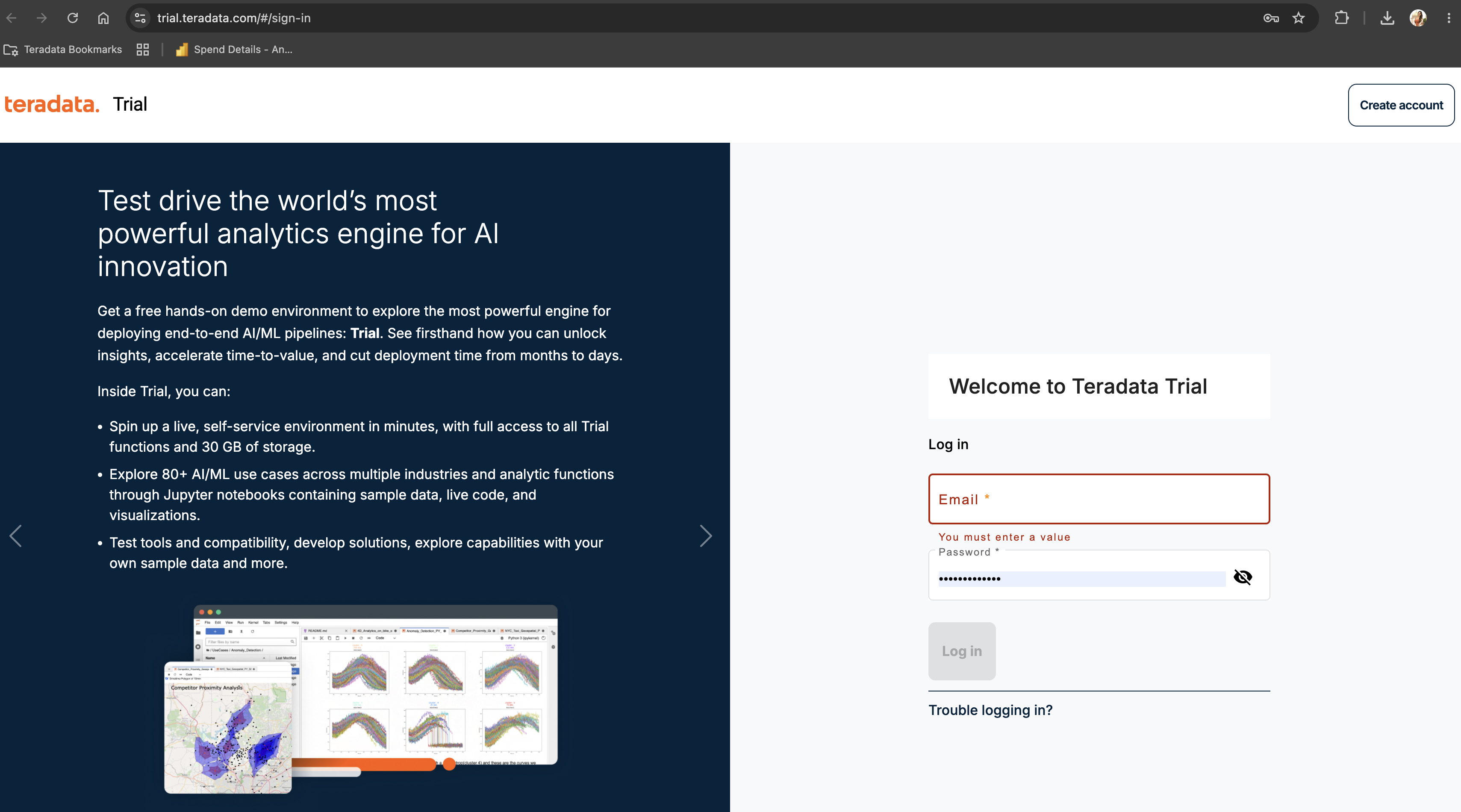
Sign in to your Teradata Trial to create an environment and access demos.
Create an Environment
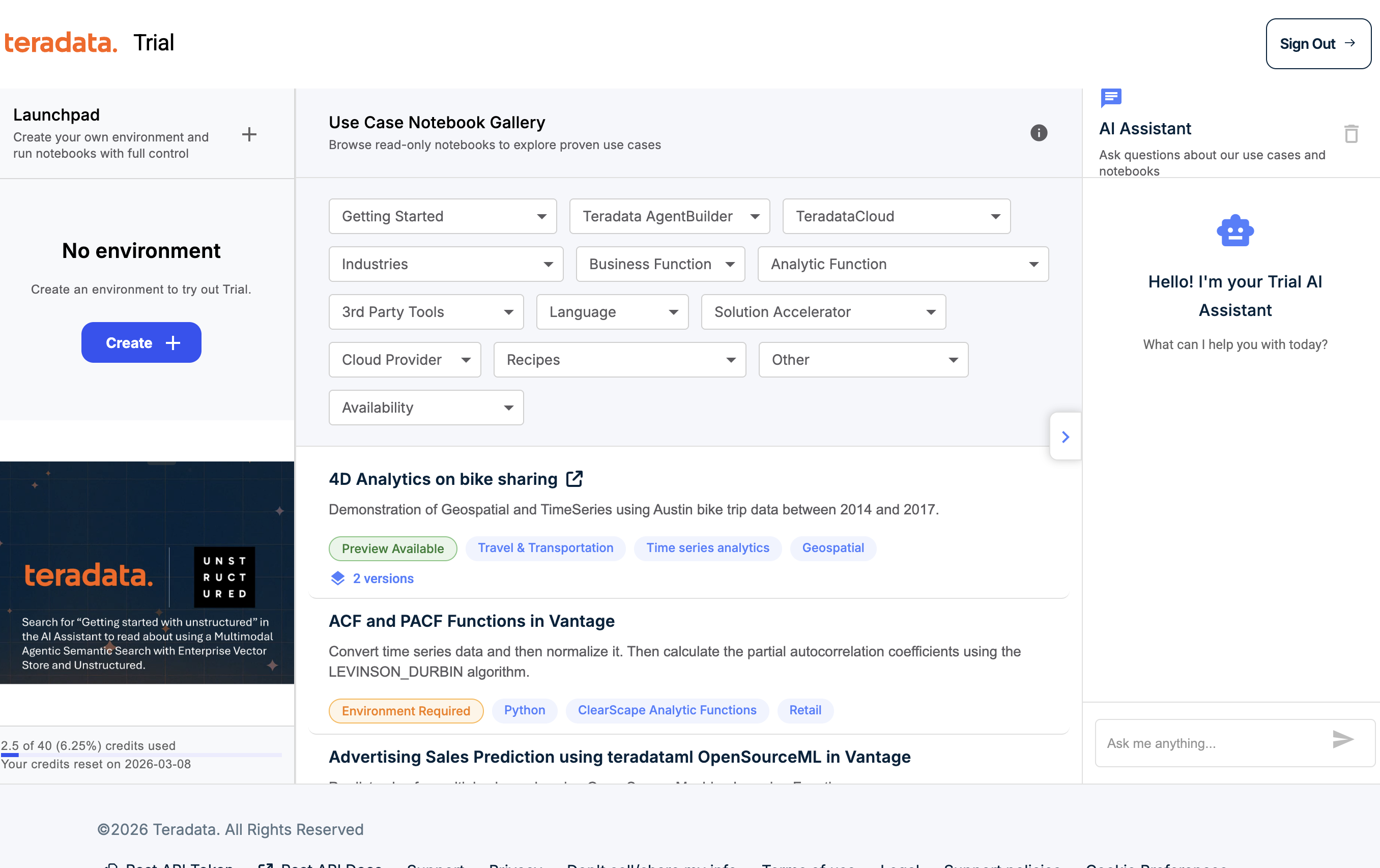
Once signed in, click on CREATE +
You will need to provide:
| Variable | Value |
|---|---|
| environment name | A name for your environment, e.g. "demo" |
| database password | A password of your choice, this password will be assigned to dbc and demo_user users |
| Region | Select a region from the dropdown |
Note down the database password. You will need it to connect to the database.
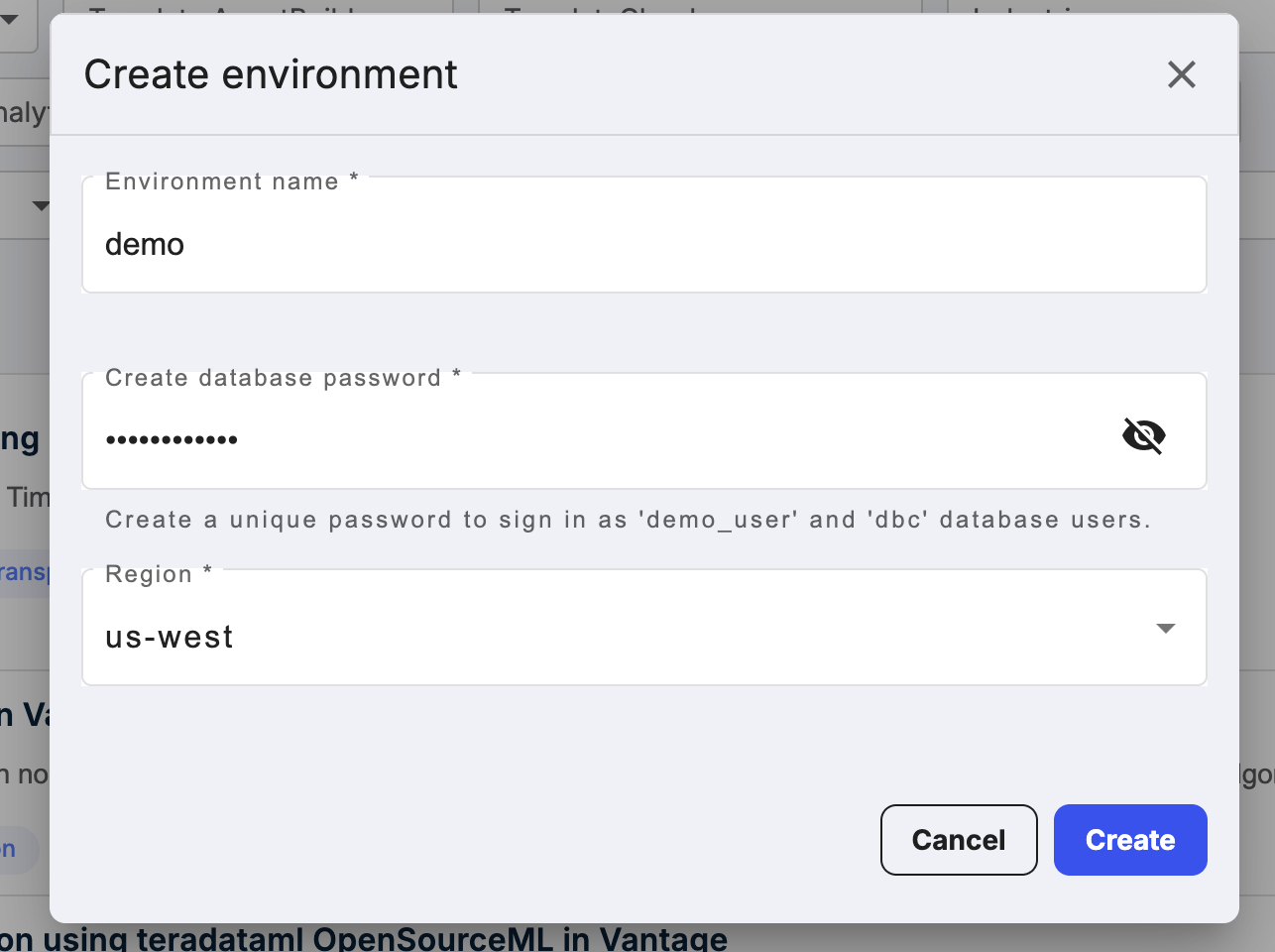
Click on CREATE button to complete the creation of your environment and now, you can see details of your environment.
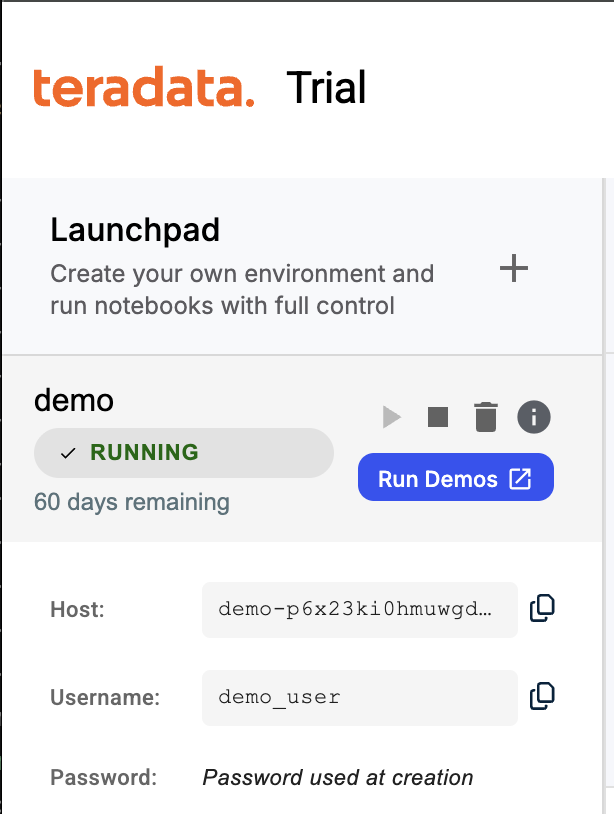
Access demos
The Teradata Trial environment includes a variety of demos showing how analytics capabilities in Teradata Database can solve real business problems across many industries.
To access the demos, click RUN DEMOS USING JUPYTER. A Jupyter environment opens in a new browser tab.
You can find all the detail of demos on the demo index page.
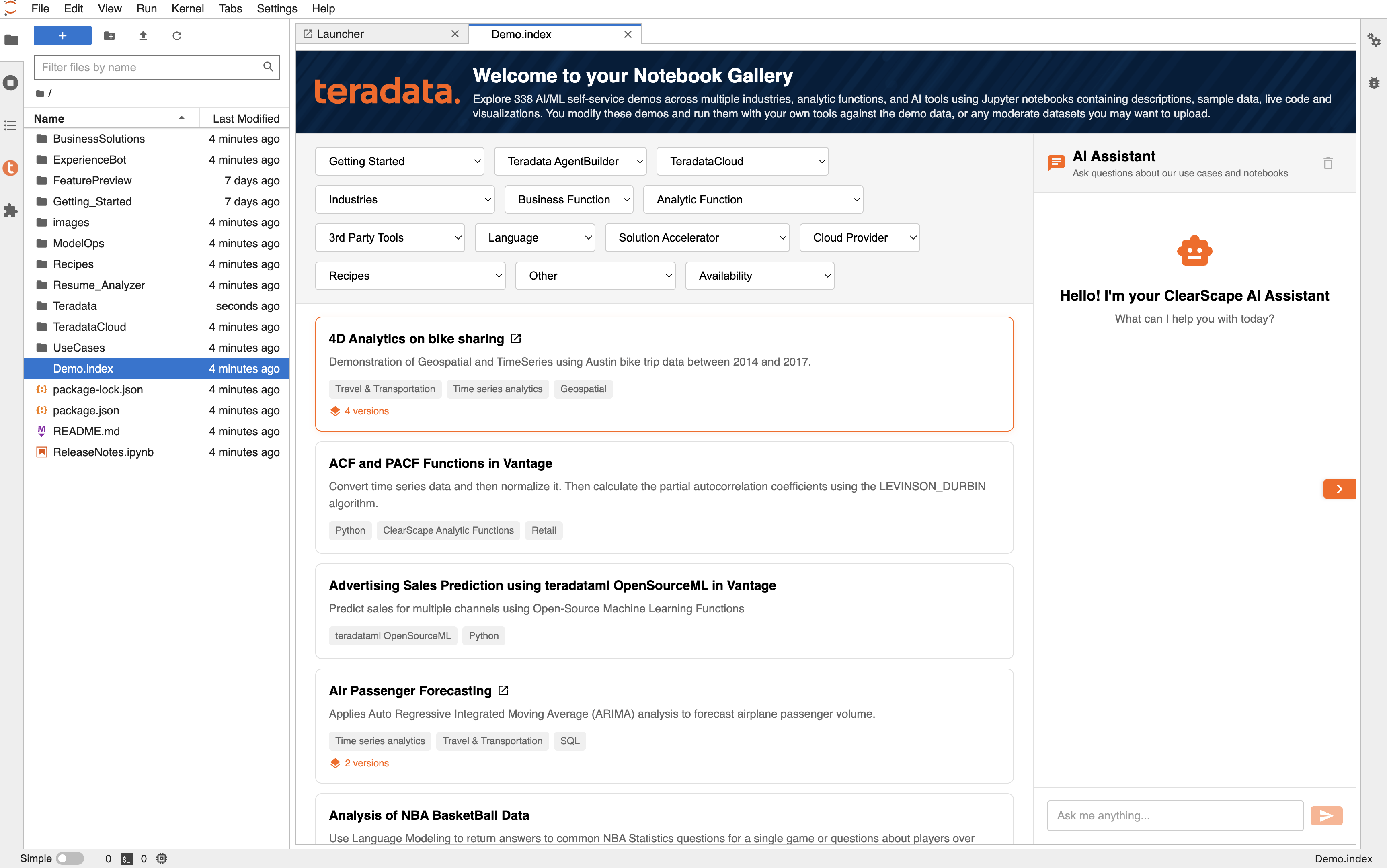
Summary
In this quick start, we learned how to create an environment in Teradata Trial and access demos.